
Building the World: My 3D Workflow
A huge part of this project comes down to how I actually build the structures. To recreate a town as detailed as Ribe without losing my mind, I’m using a mix of three different methods: modular kits, unique hero models, and photogrammetry.
Finding the balance between realism and game performance is a new challenge for me, but it’s the only way to make a real-time world actually playable.
The Modular Kit
For the standard townhouses, I’m building a modular system, essentially 1x1 meter building blocks. I’ve been studying traditional timber framing and historical references to make sure these pieces look right.
The big win here is speed. Once the kit is ready, I can kitbash an entire street much faster than modeling every house from scratch. The real trick is making sure they don’t all look identical. I’ll be relying on texture variations and small details to keep the repetition from being obvious.
Landmarks and Hero Assets
Some buildings are just too iconic to be broken down into blocks. Things like the city gate or Riberhus Castle need a custom, traditional modeling approach. These are my visual anchors. They take a lot longer to finish, but they give the town its identity and help you find your way around the map.
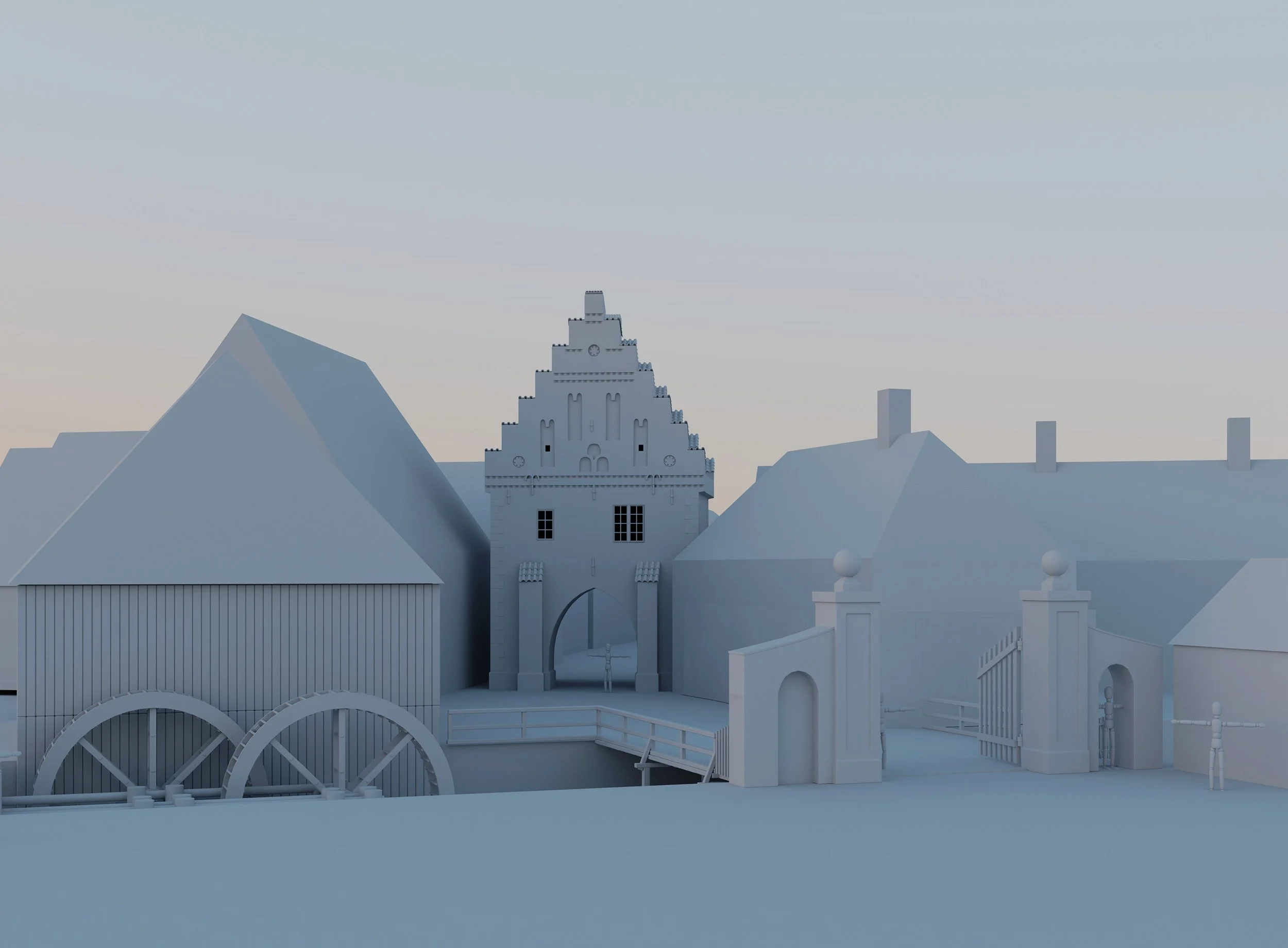
Prototyping the town layout. I dug this Nørreport model out of my archives to act as a "hero" landmark. It’s a great anchor point for testing how the surrounding modular houses and the watermill should sit in the scene to create a believable 17th-century atmosphere.
From Drone to Data (Photogrammetry)
I’ve started collecting data around Denmark with my drone, scanning a few churches and historic buildings that fit the era.
have also been in contact with Esben Schlosser Mauritsen, Archaeologist and Curator at ArkVest, who was kind enough to share some of the data they recently collected.
Since I can’t find every single building exactly as it stood in 1650s Ribe, I’m using these scans as a high-fidelity kitbash library.
I can take a realistic stone wall from one church or a specific timber detail from another and integrate them into my own models.
There is also a deeper purpose to this part of the project. Beyond the game, I’m collecting this data to share with museums and interest groups for digital preservation. It feels good knowing that while I am borrowing these structures for my simulation, the scans themselves serve as a permanent record of these historic sites.
Having the data is one thing, but making it usable is another. I’m currently in the middle of the cleanup process, remodeling over the heavy, messy scans to get the geometry clean while keeping that photorealistic texture. It’s a lot of work to adapt these modern day scans to fit the 1650s context, but seeing a real piece of history sitting in the engine makes it worth it.
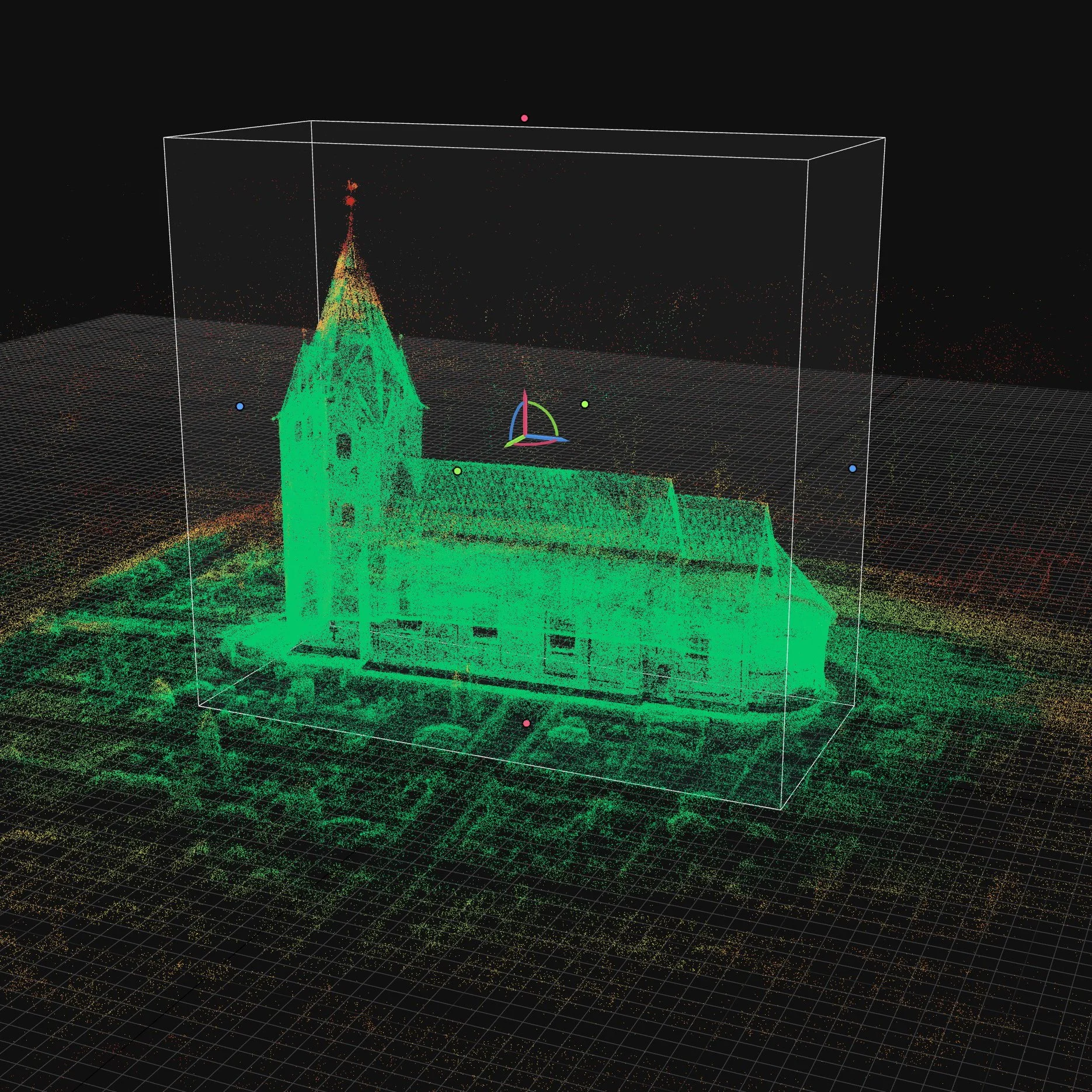
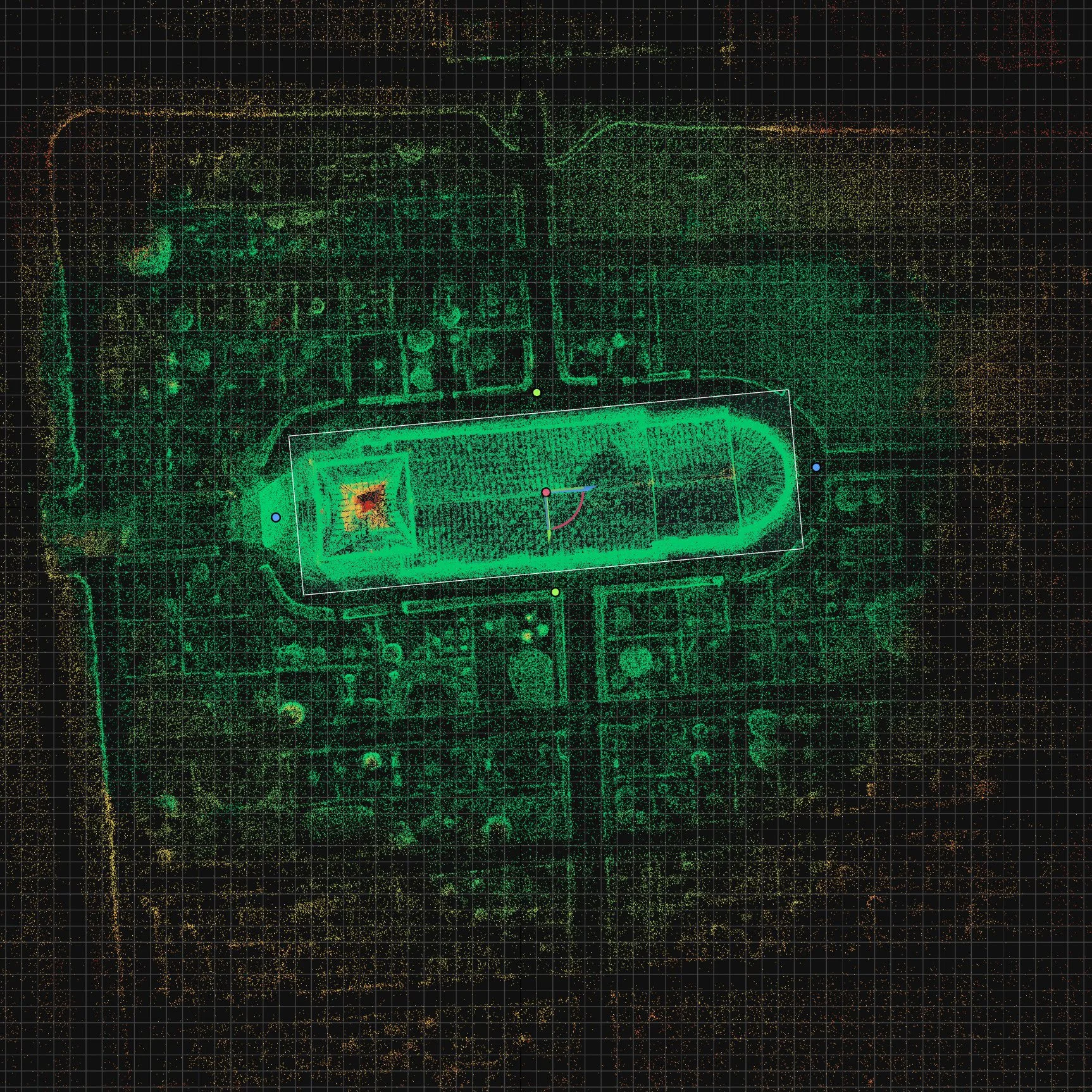
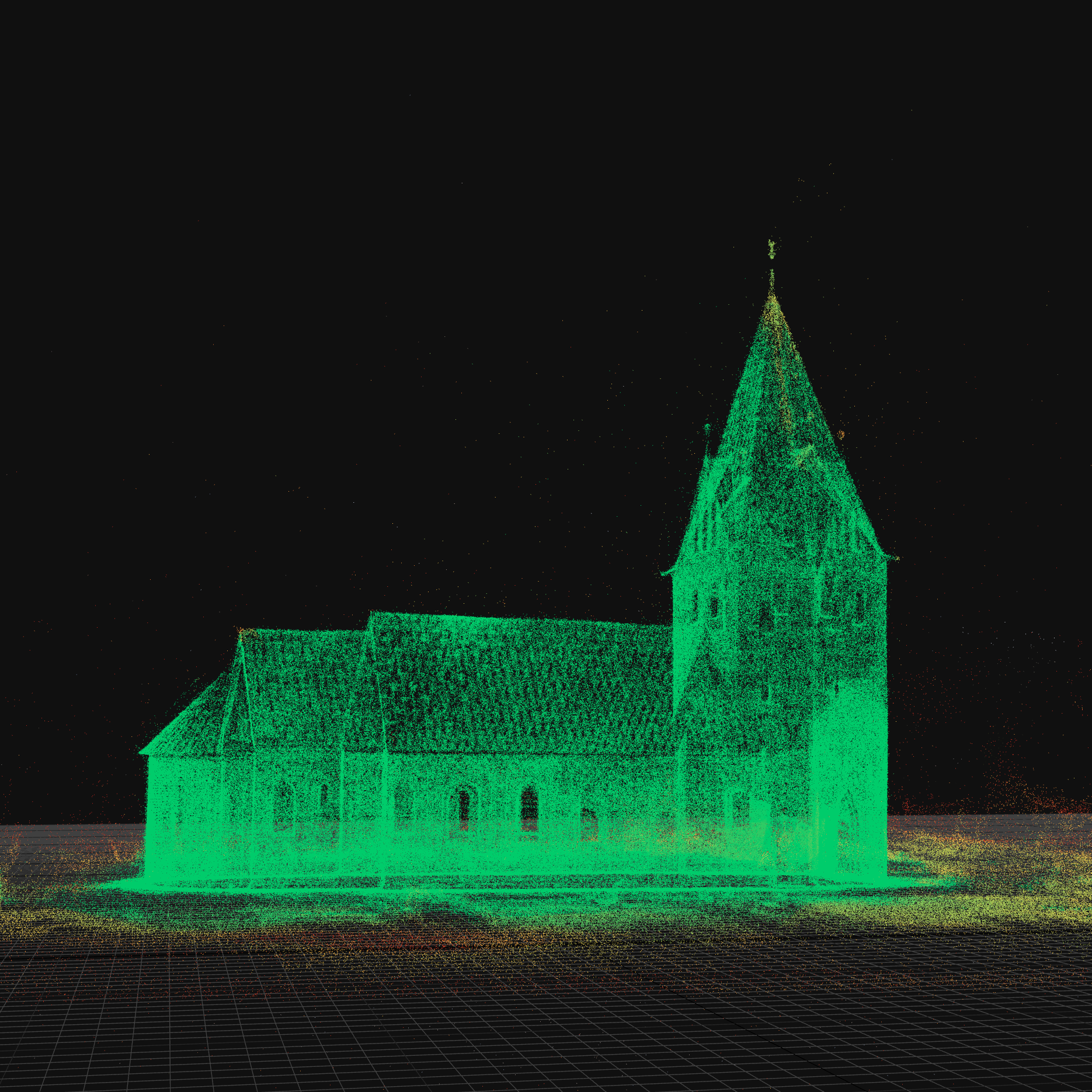
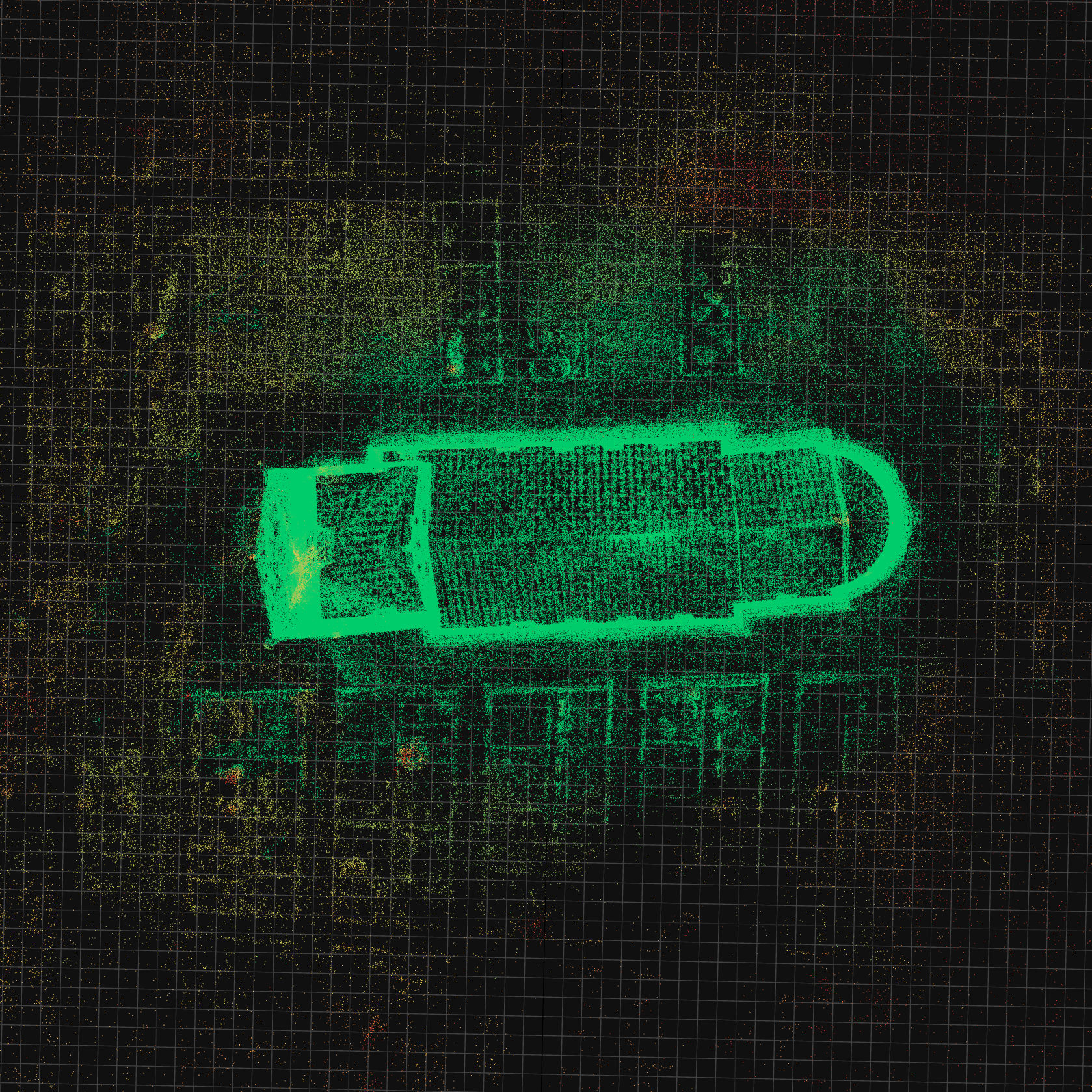
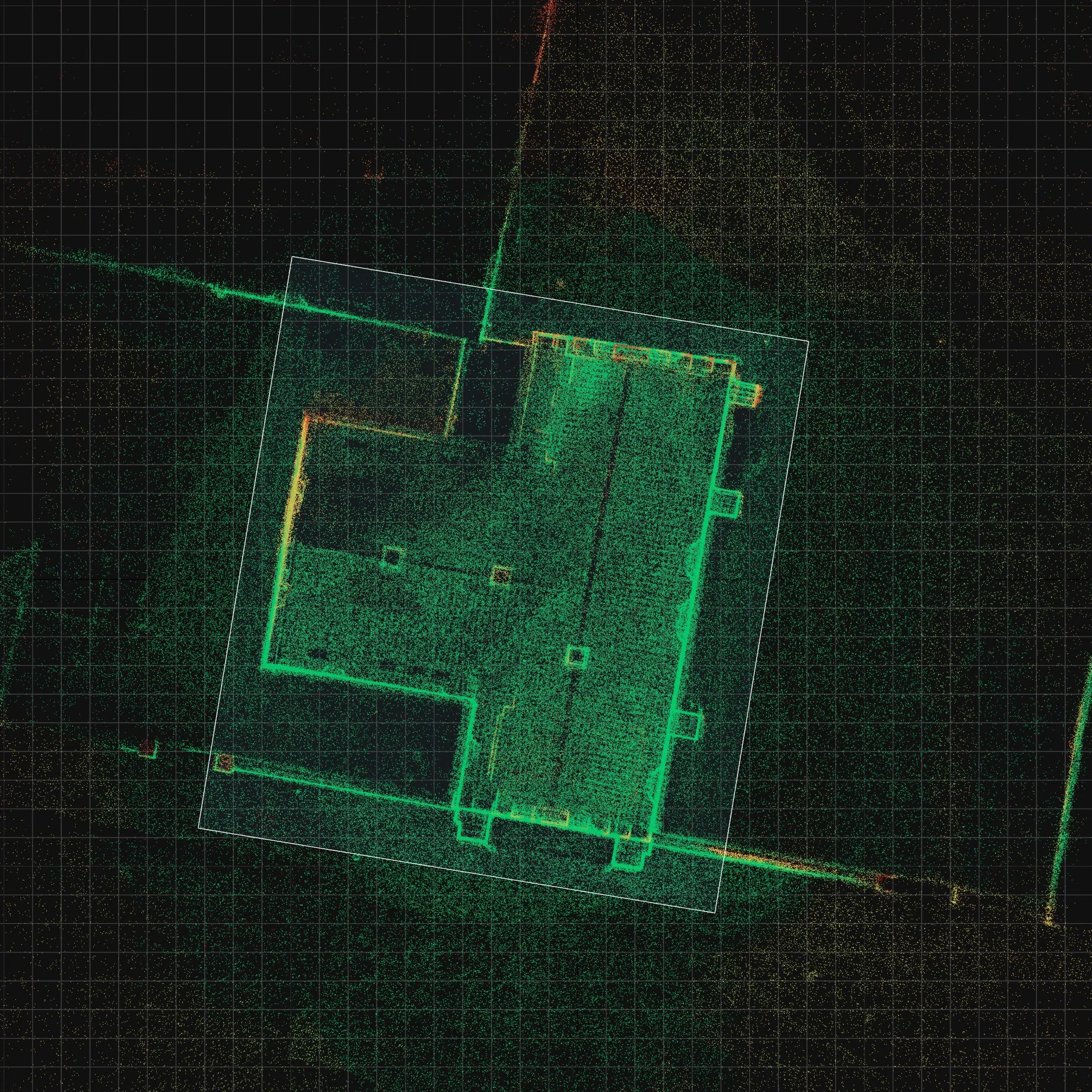
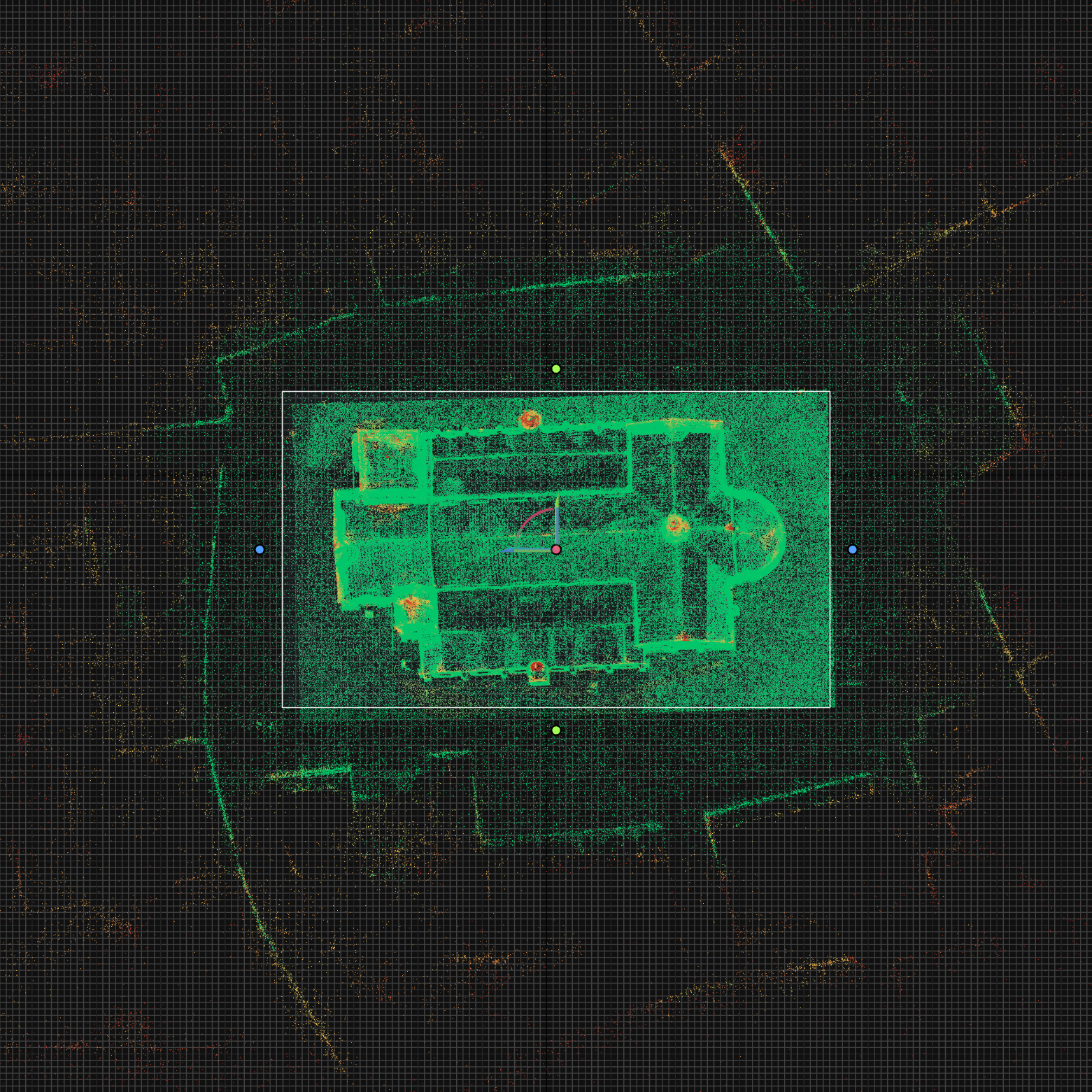
Capturing history in 3D. These screenshots show the raw point cloud data and initial meshes generated in RealityScan from my drone flights over Danish churches. While the raw data requires cleanup, these scans will eventually be shared on Sketchfab to support digital preservation efforts.
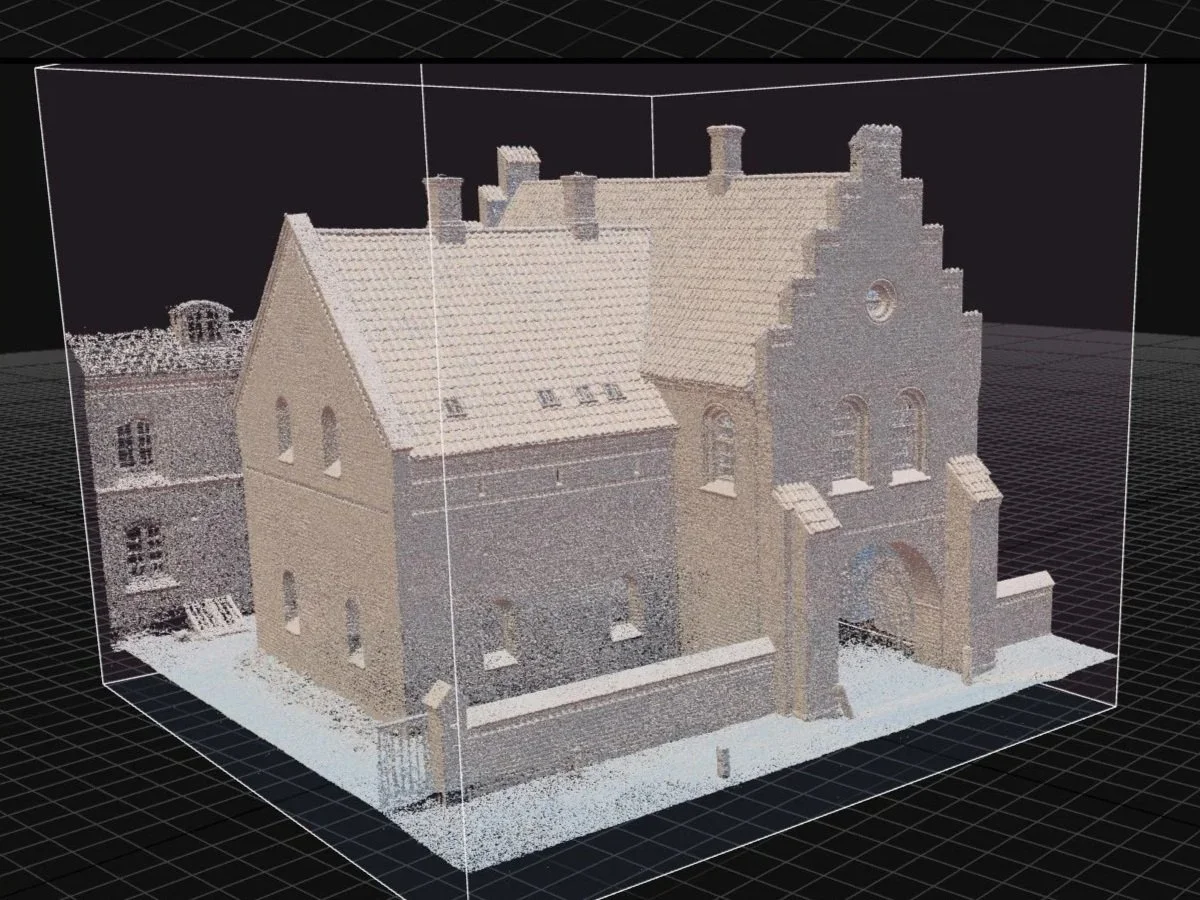
A preview of the raw, untextured grey mesh. Inspecting the model in plain clay lighting helps guide the cleanup process before applying final textures and sharing the finished scan on Sketchfab for digital preservation.
The High Poly Habit
The biggest hurdle for me so far is optimization. Coming from a CGI background, I’ve never really had to worry about a polygon budget. Now, performance is everything.
Rethinking my workflow to favor low-poly efficiency over raw detail is a bit of a hard pill to swallow at times. It’s a constant trade-off between visual quality and making sure the simulation doesn't crawl to a halt, but it’s a necessary part of the learning curve.